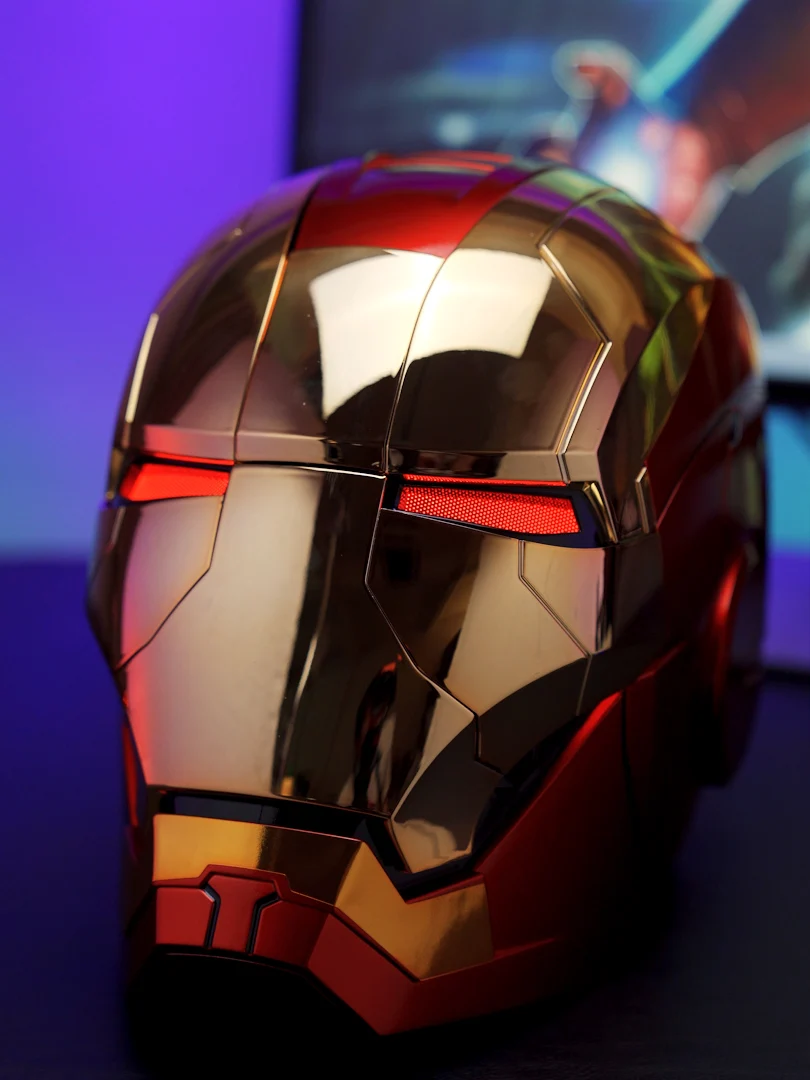
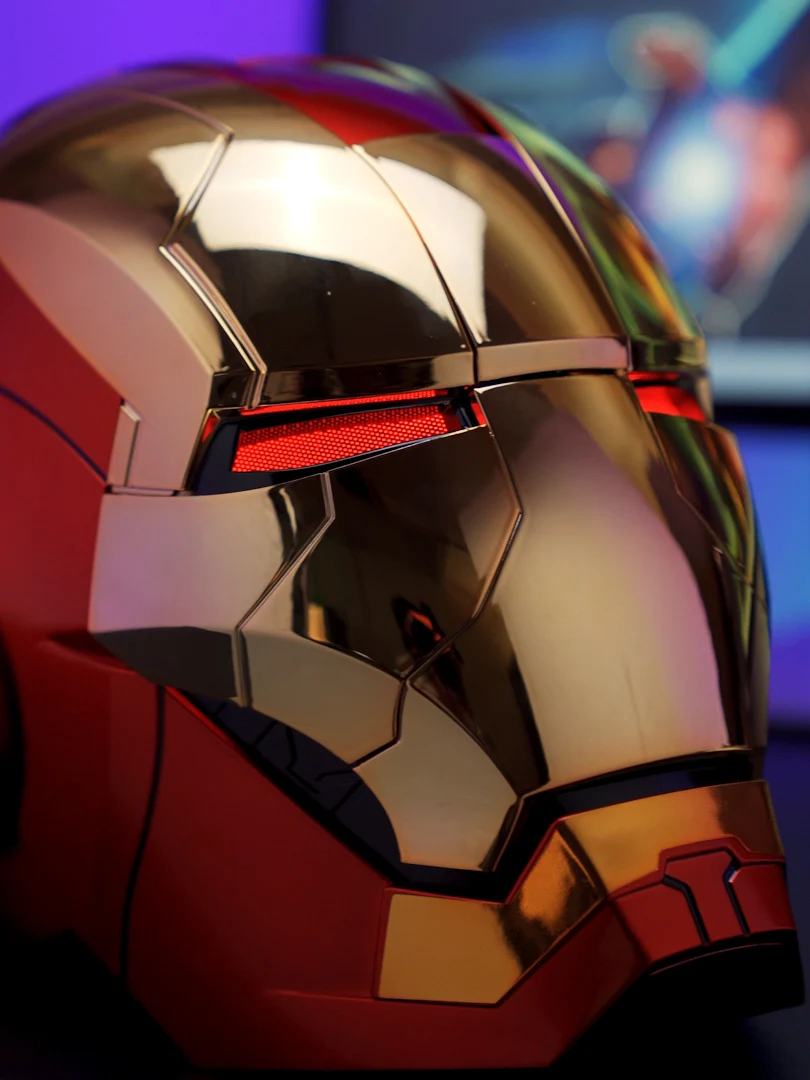
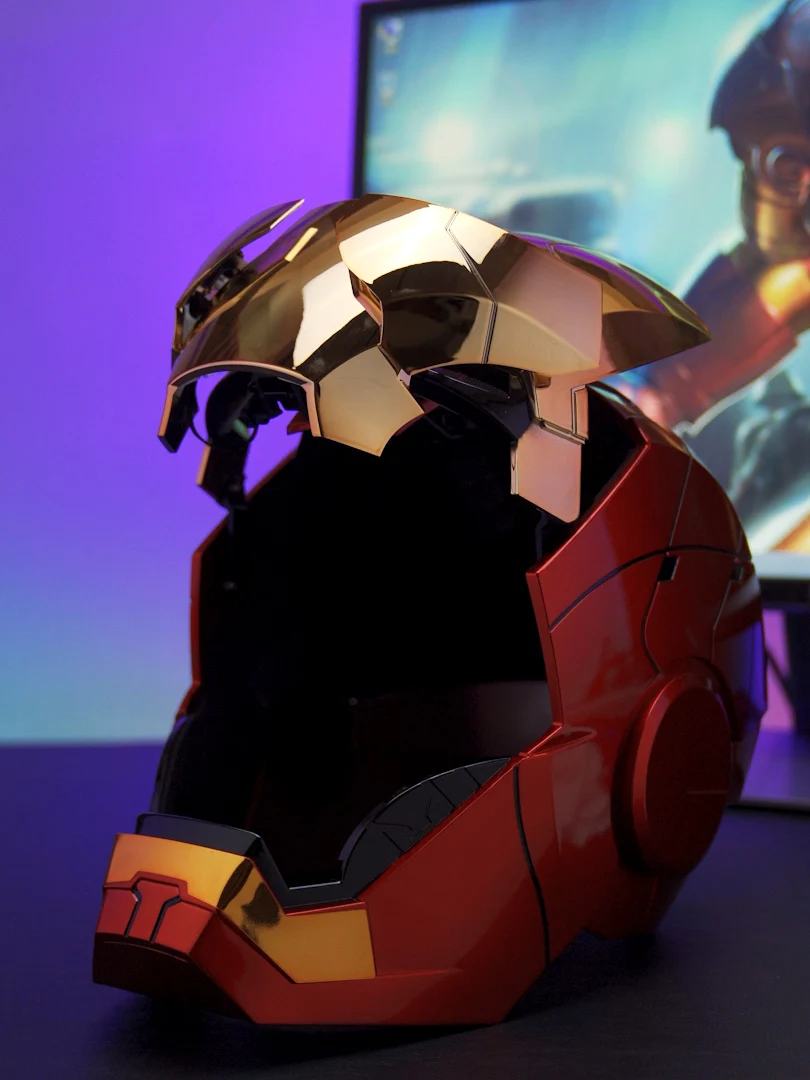
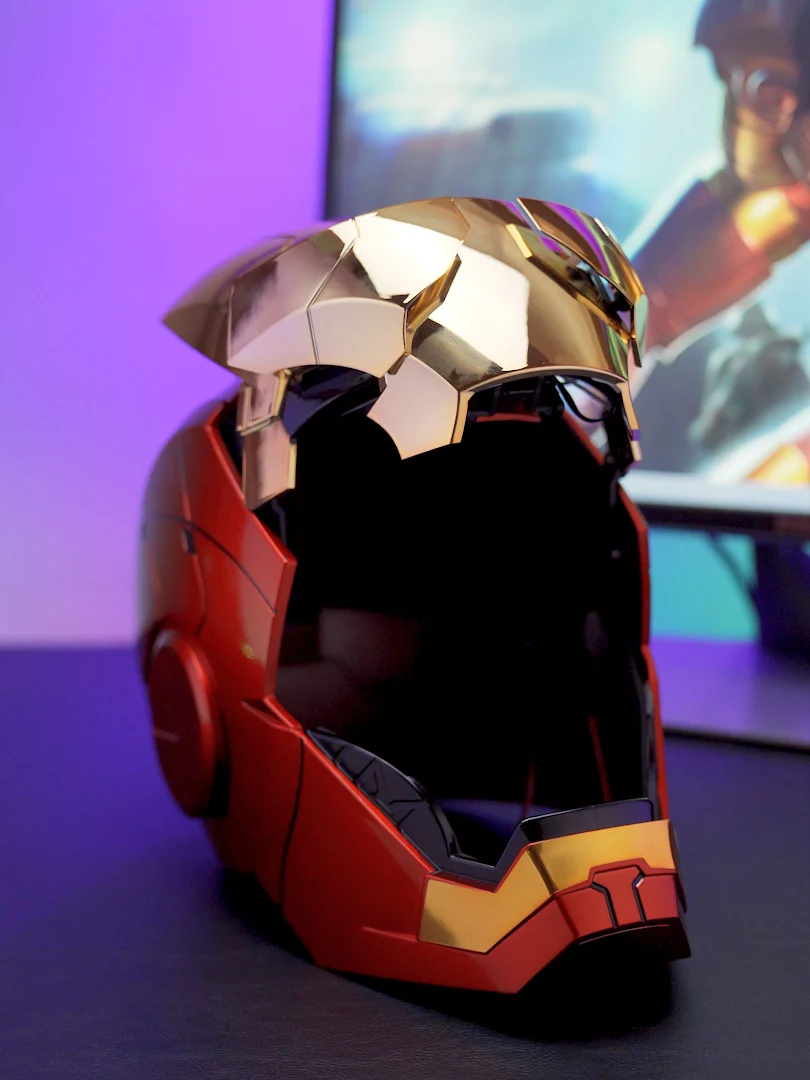
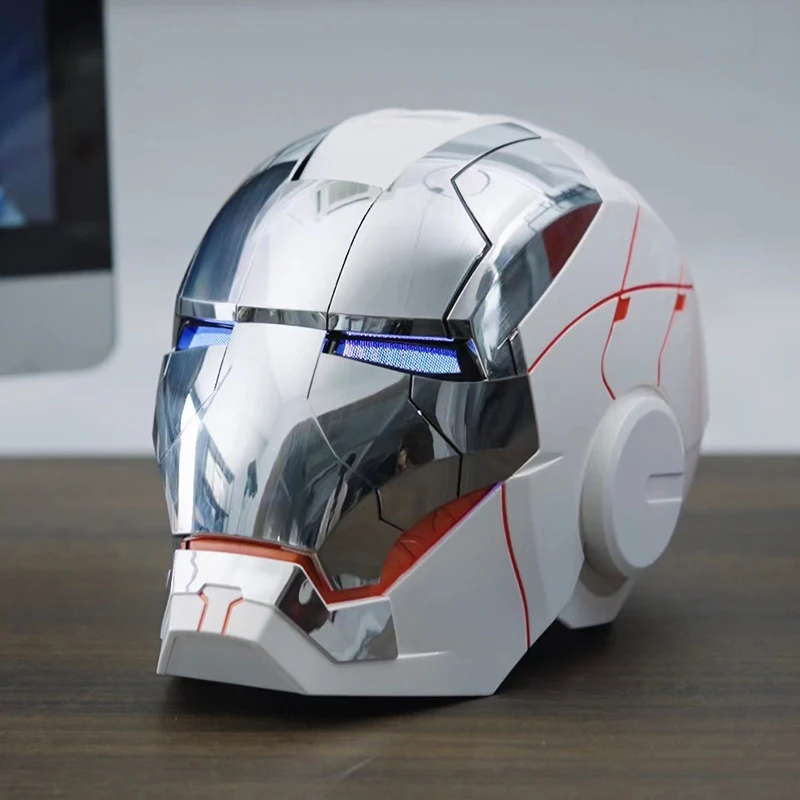
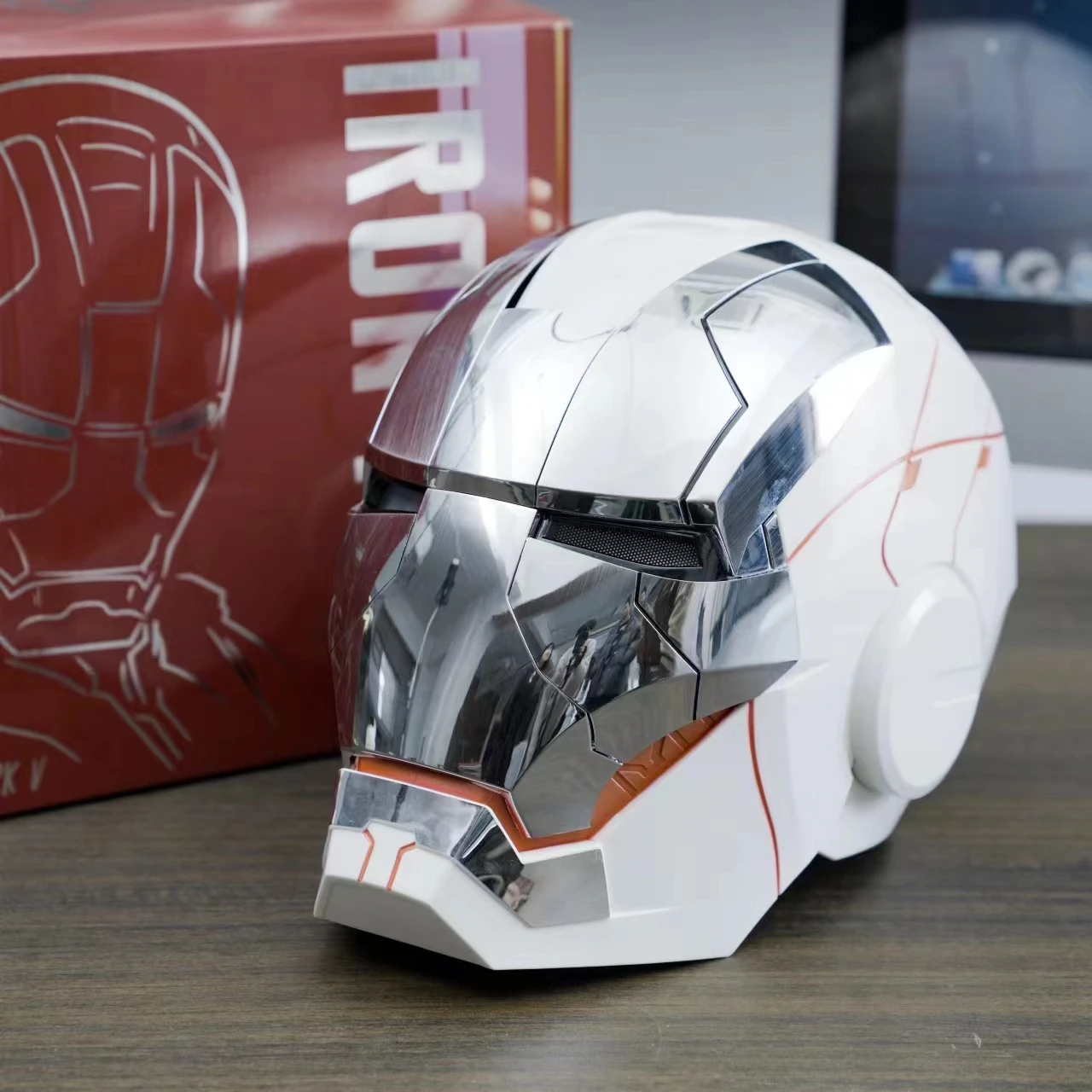
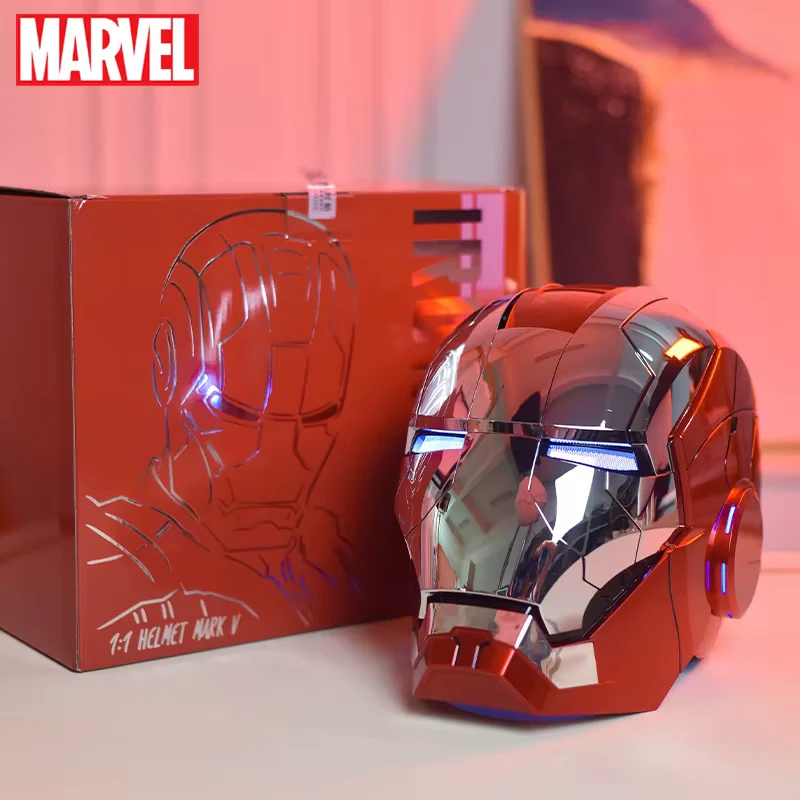
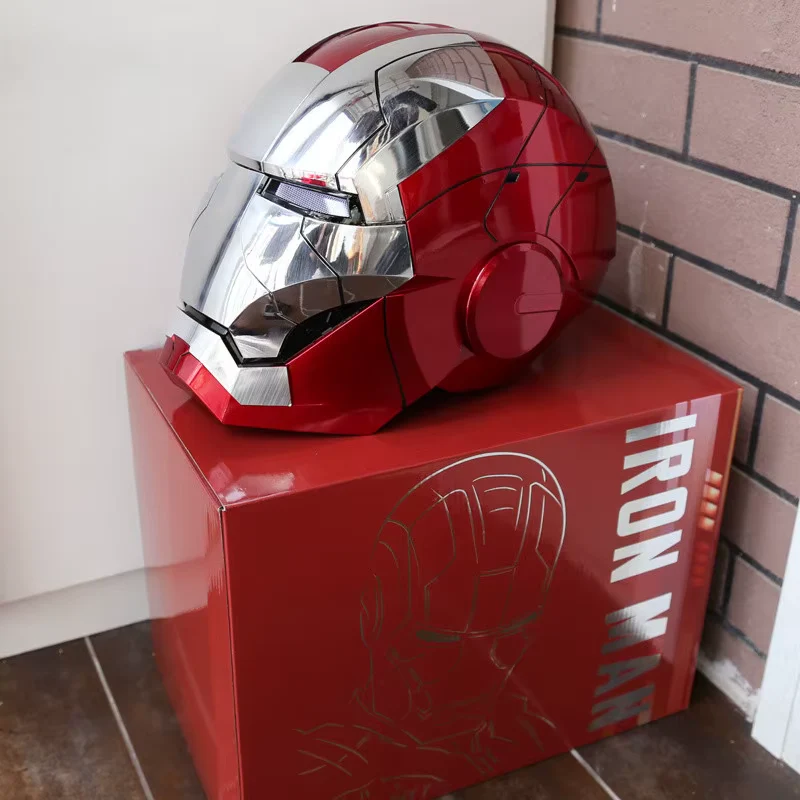
Iron Man Helmet Cosplay Voice Control Eyes with LED Light Model Perfect Christmas Gift
Iron Man MK5 Helmet Manual (English)
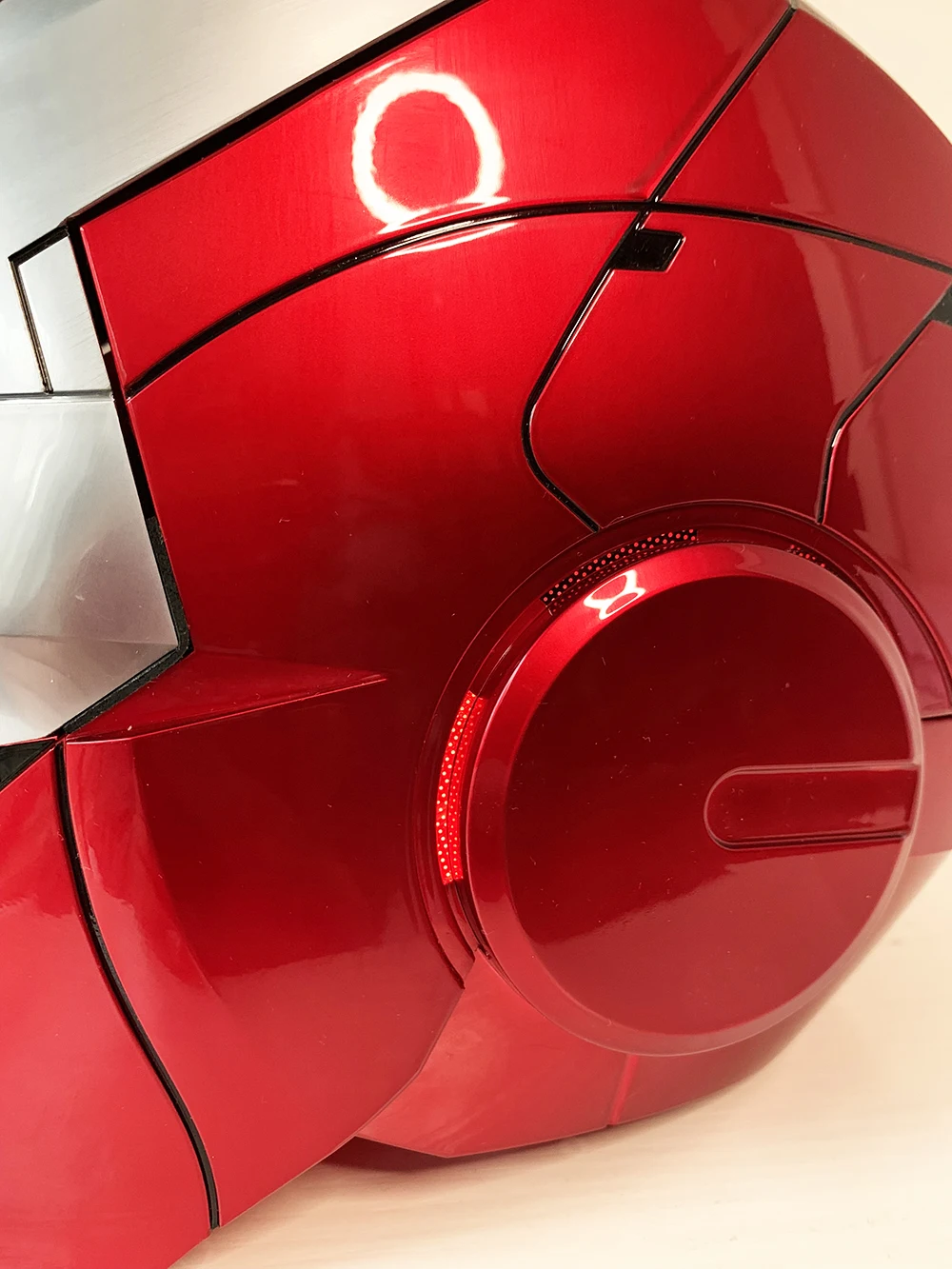
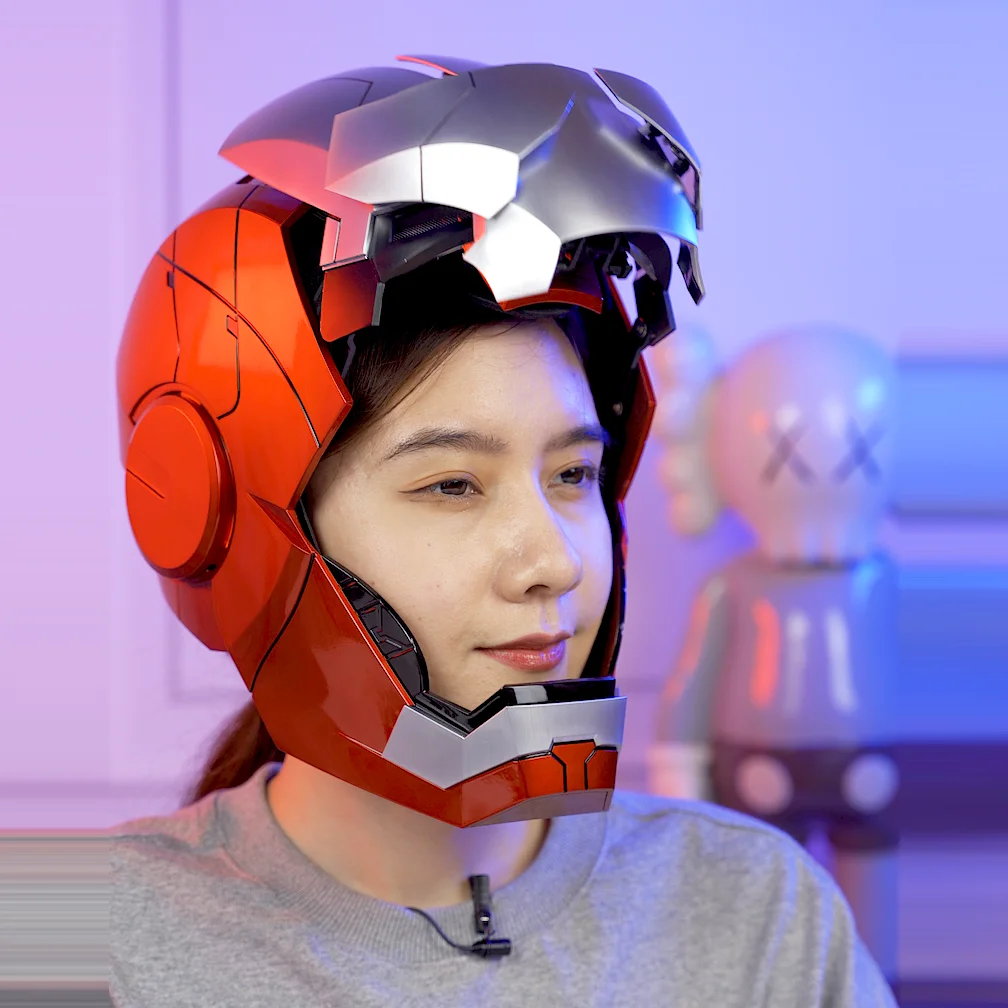
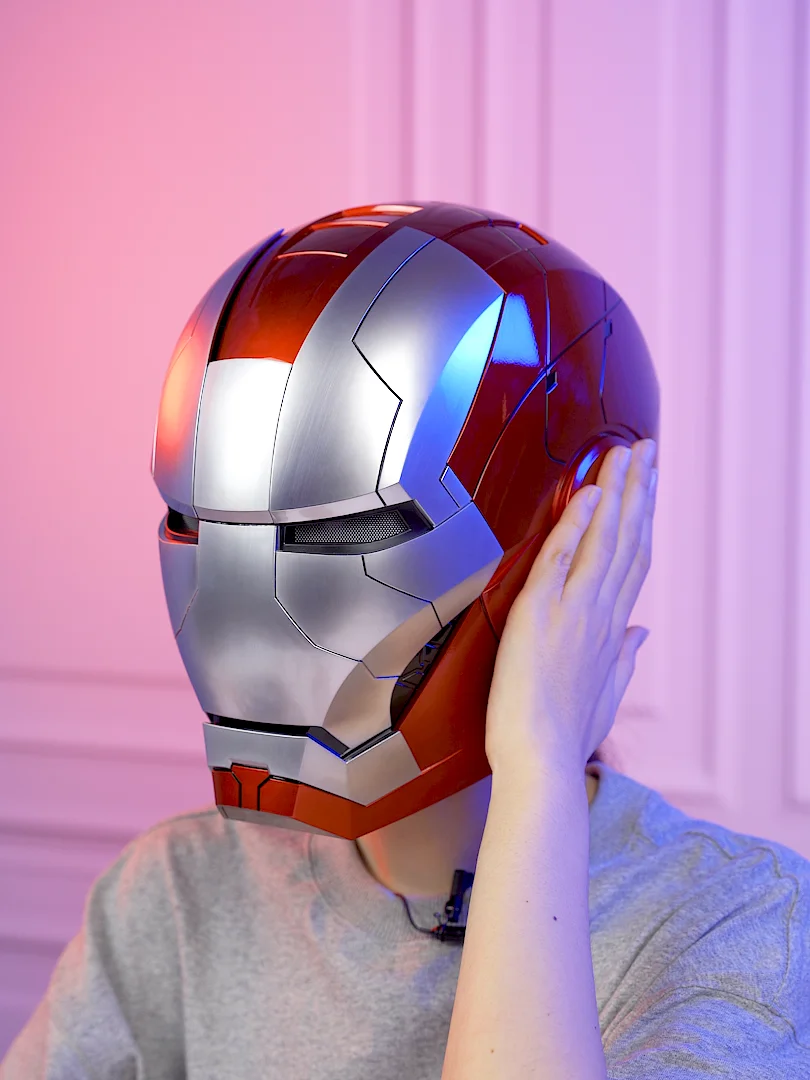
Model: 1:1 Wearable MK5 Helmet
Material: ABS Plastic
Head Size: 60 cm
Power:
-
Helmet: 4 × AA (No. 5) batteries
-
Remote: 2 × AAA (No. 7) batteries
(Batteries not included)
Battery & Wearing Instructions
-
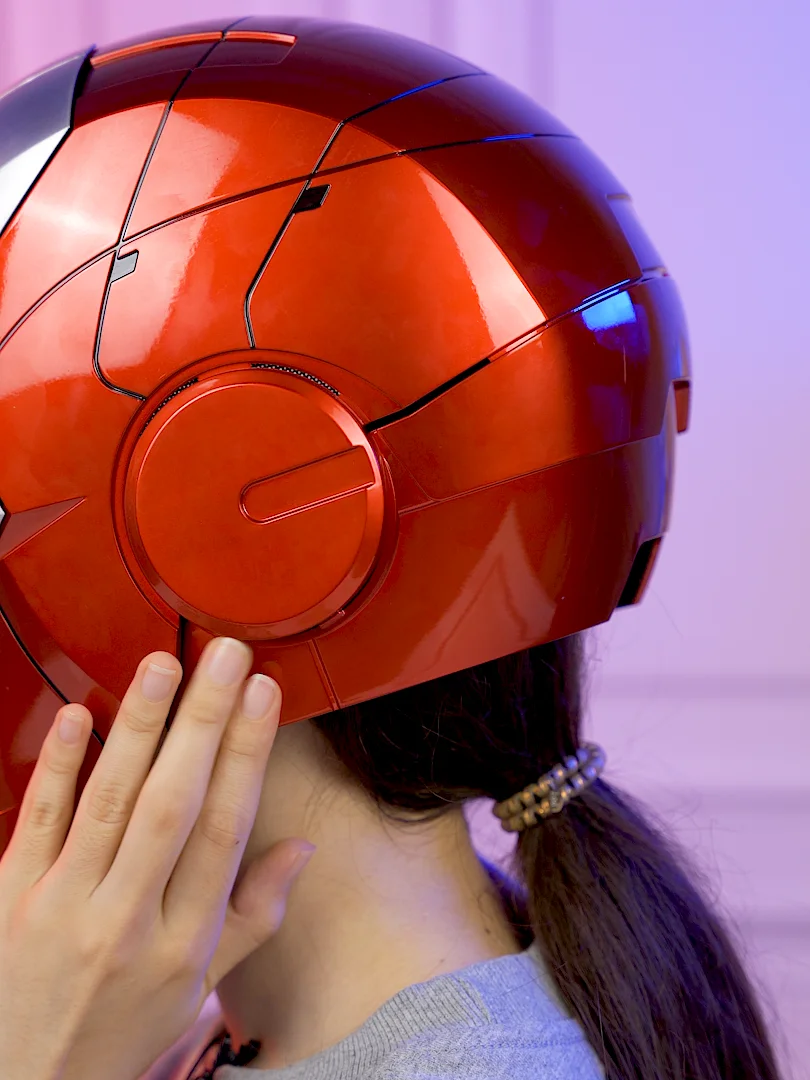
Battery box is hidden under the black pad at the back.
-
Remove back cover to insert batteries and wear the helmet.
-
After wearing, reattach the cover securely.
Power & Controls
Power Switch: On the back of the helmet.
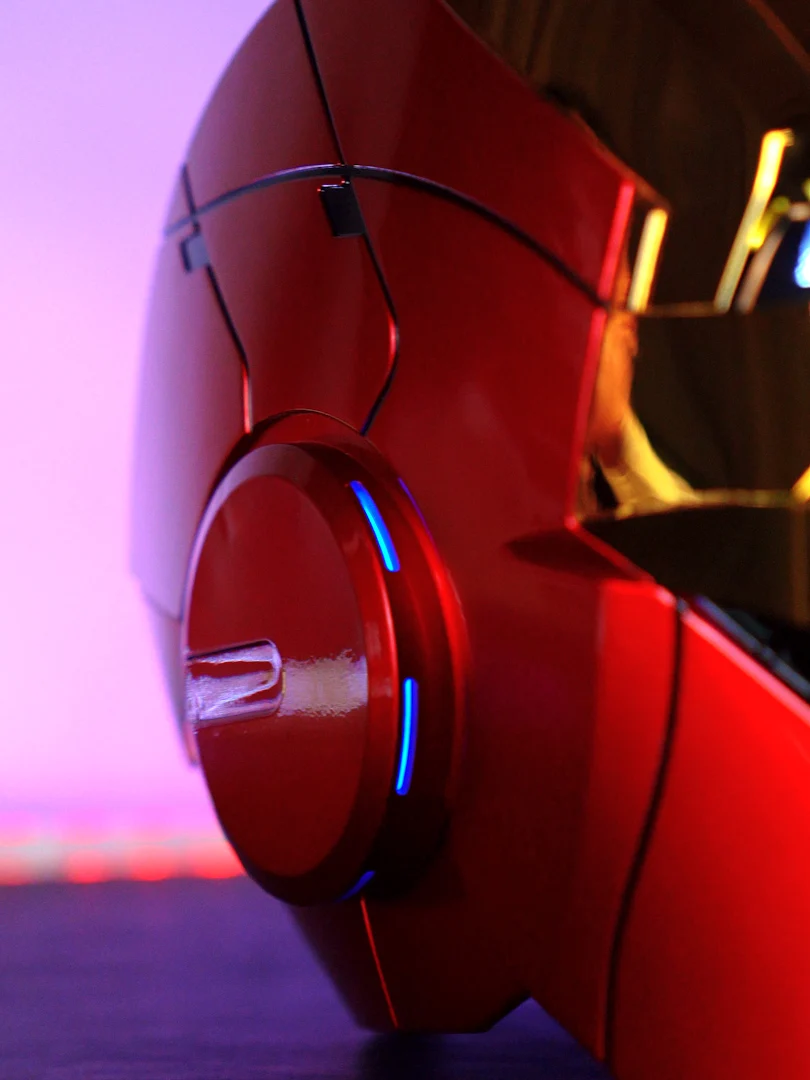
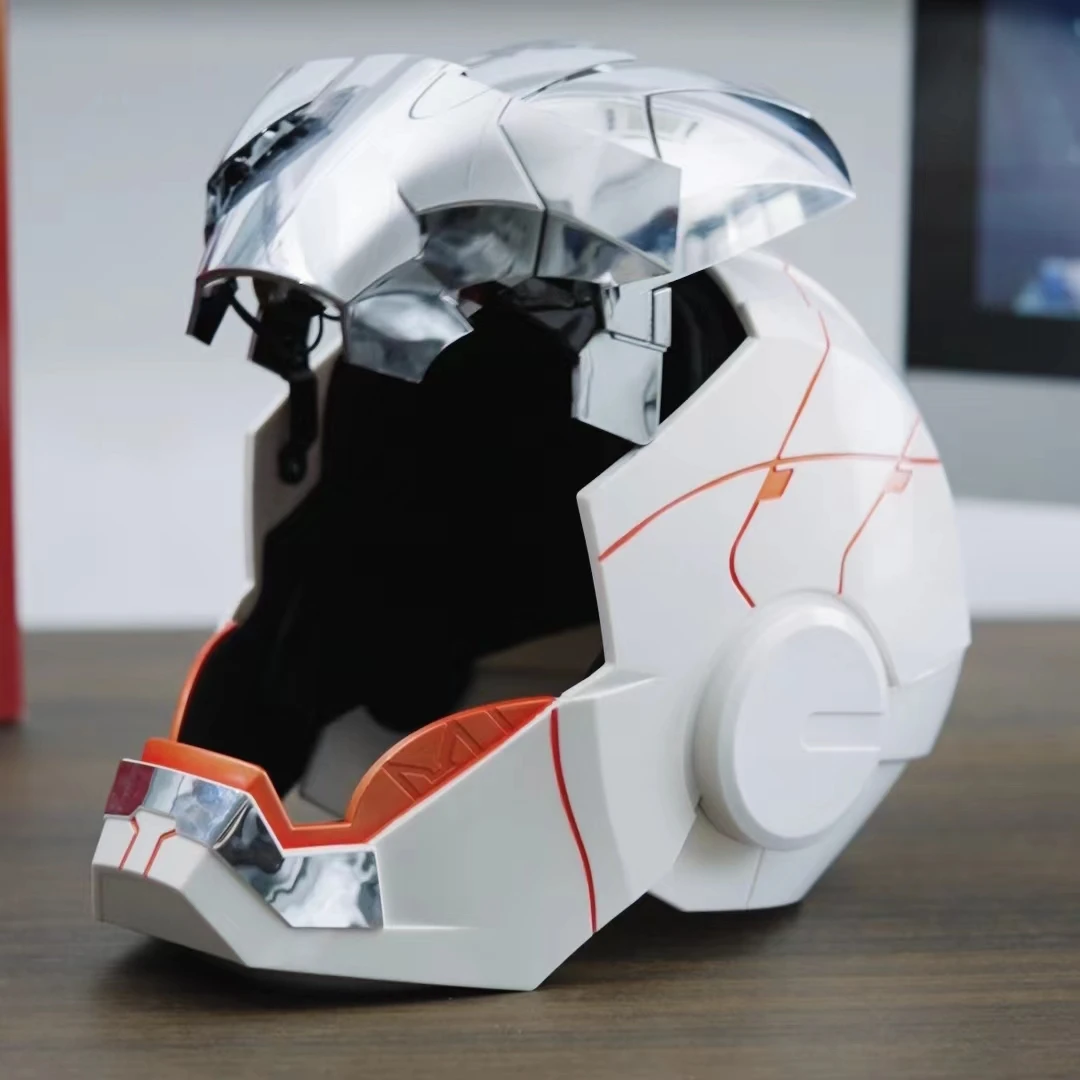
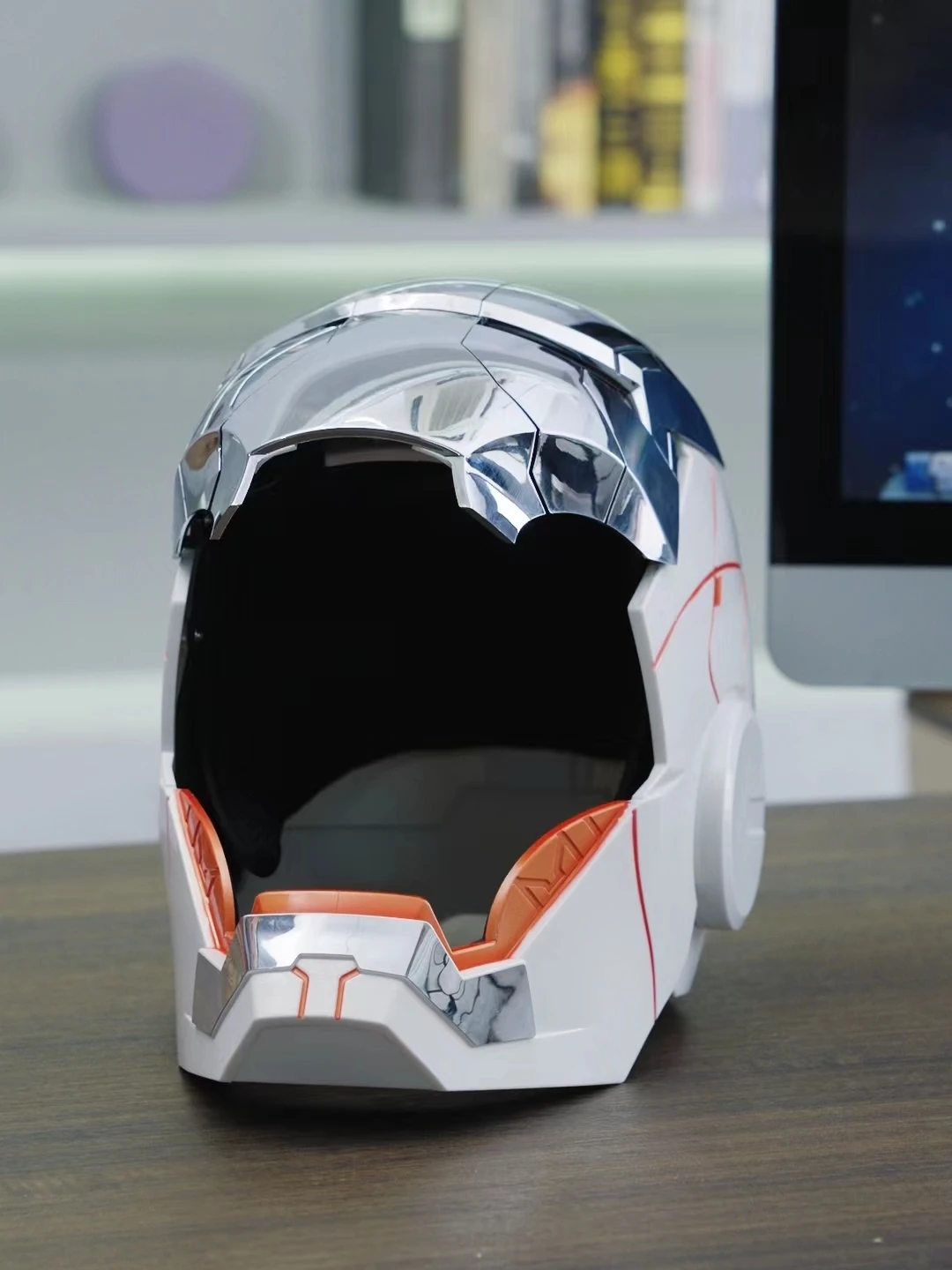
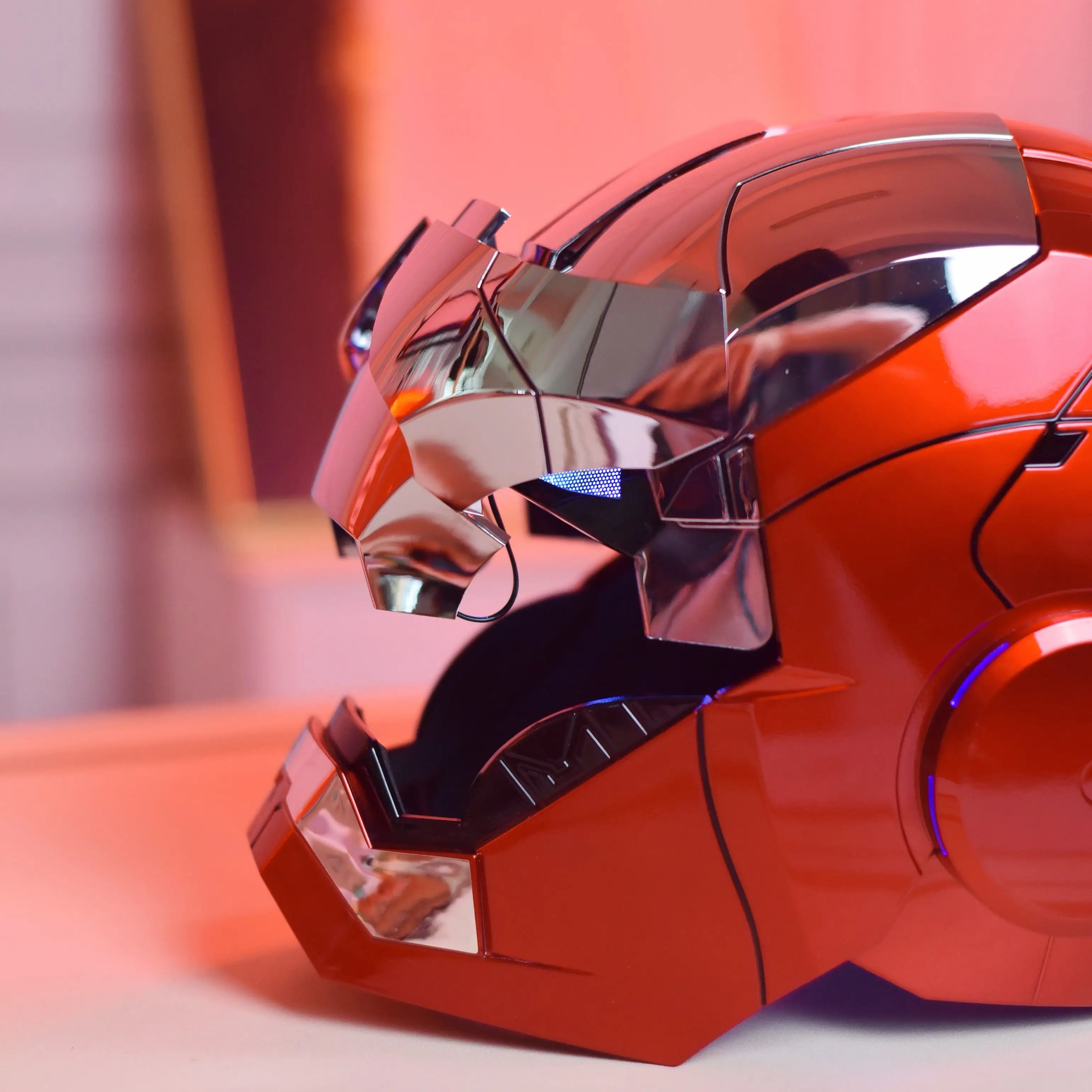
Right Ear Touch: Open/close mask.
Left Ear Touch: Open/close full helmet.
Voice Receiver: Front mic area.
Voice Commands (English)
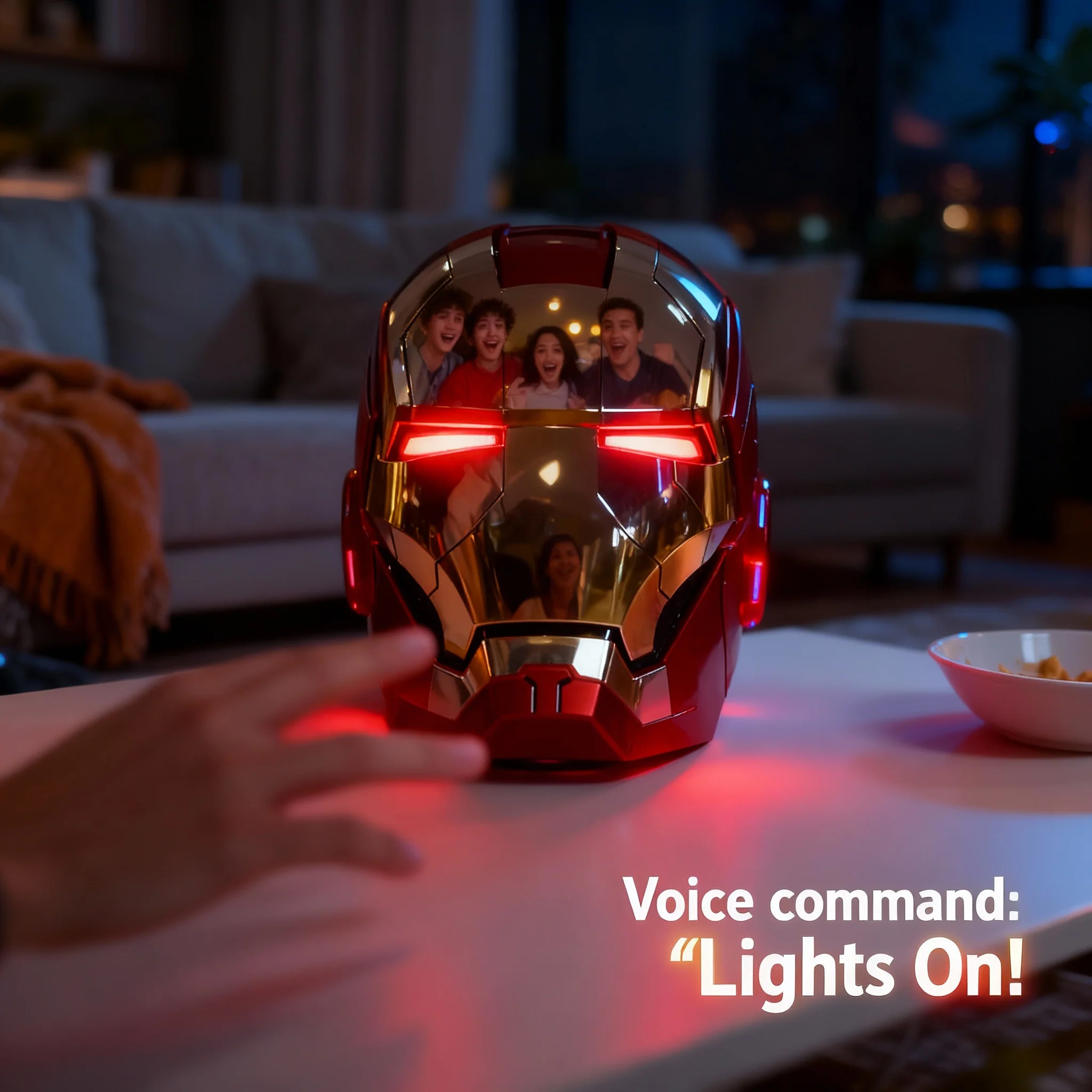
Wake-up: “Hello JARVIS”
Then say one of the following within 5 seconds:
-
“Open the mask”
-
“Close the mask”
-
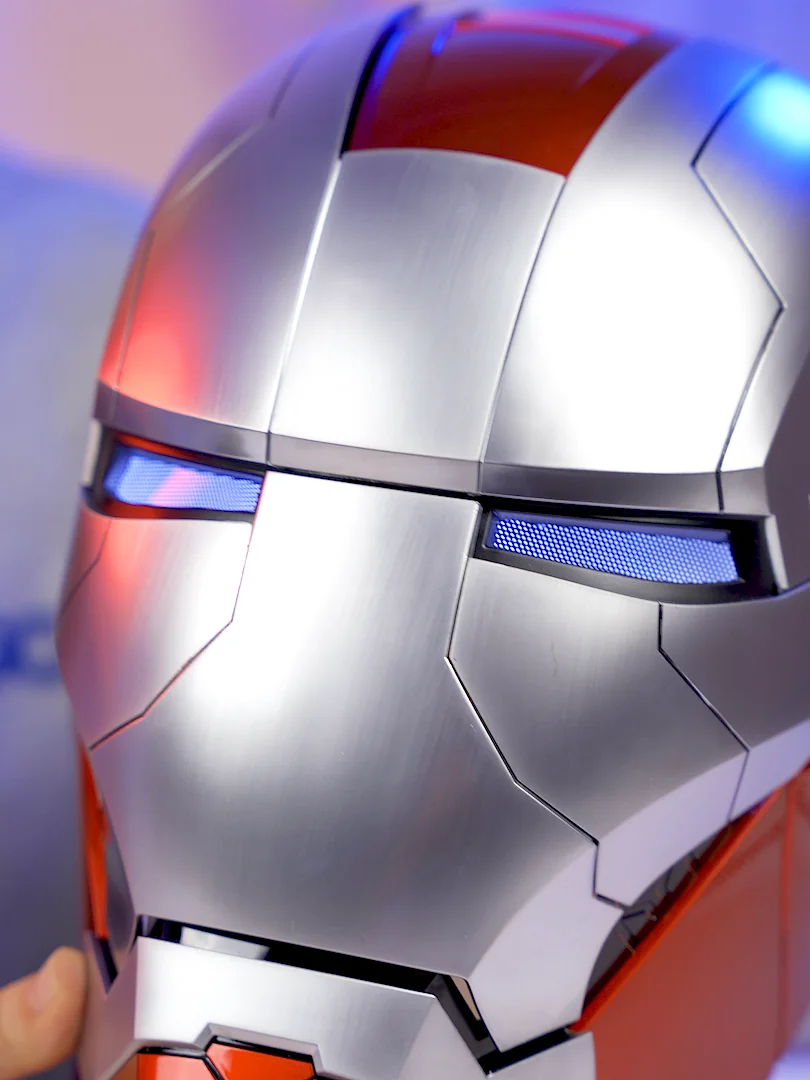
“Start combat mode” (eyes turn red)
-
“Close combat mode” (eyes turn white)
-
“Shutdown system”
(Helmet must be powered on and mask fully closed before activation.)
Remote Control Functions
-
A: Open/close full helmet
-
B: Open/close mask
-
C: Change eye light colour
-
D: Eye light on/off
-
E: Sound on/off
Troubleshooting
-
Slow movement / dim lights / unclear sound: Replace batteries.
-
No response: Restart system or re-pair remote.
-
Helmet jammed: Power off and gently close manually before restarting.
-
Do not force mask open/close manually — may cause damage.
Safety Notes
-
Keep away from water and heat.
-
Only use correct battery types.
-
Do not disassemble unless by a professional.
-
Remove batteries if unused for a long time.



Product Information
Product Information
Shipping & Returns
Shipping & Returns
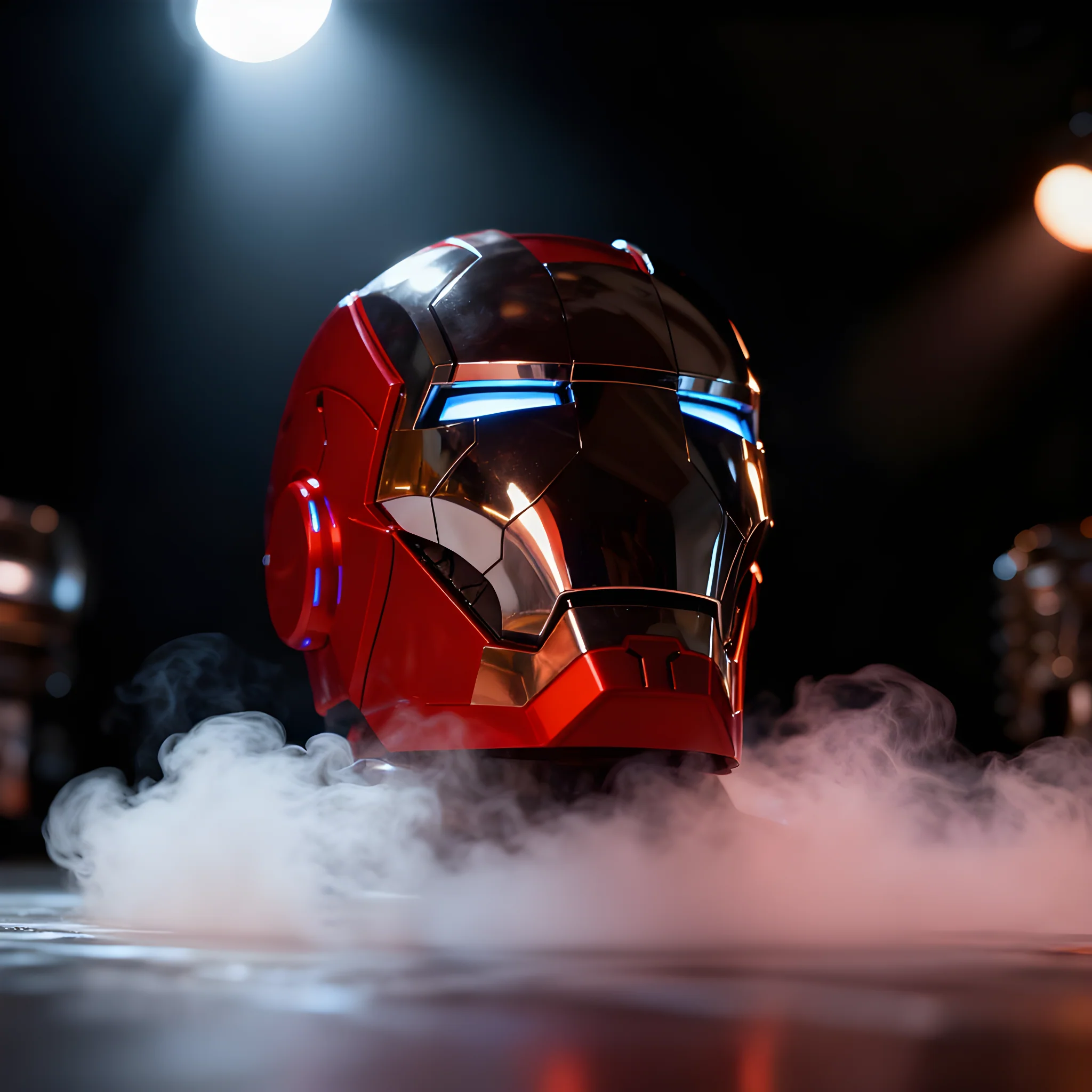
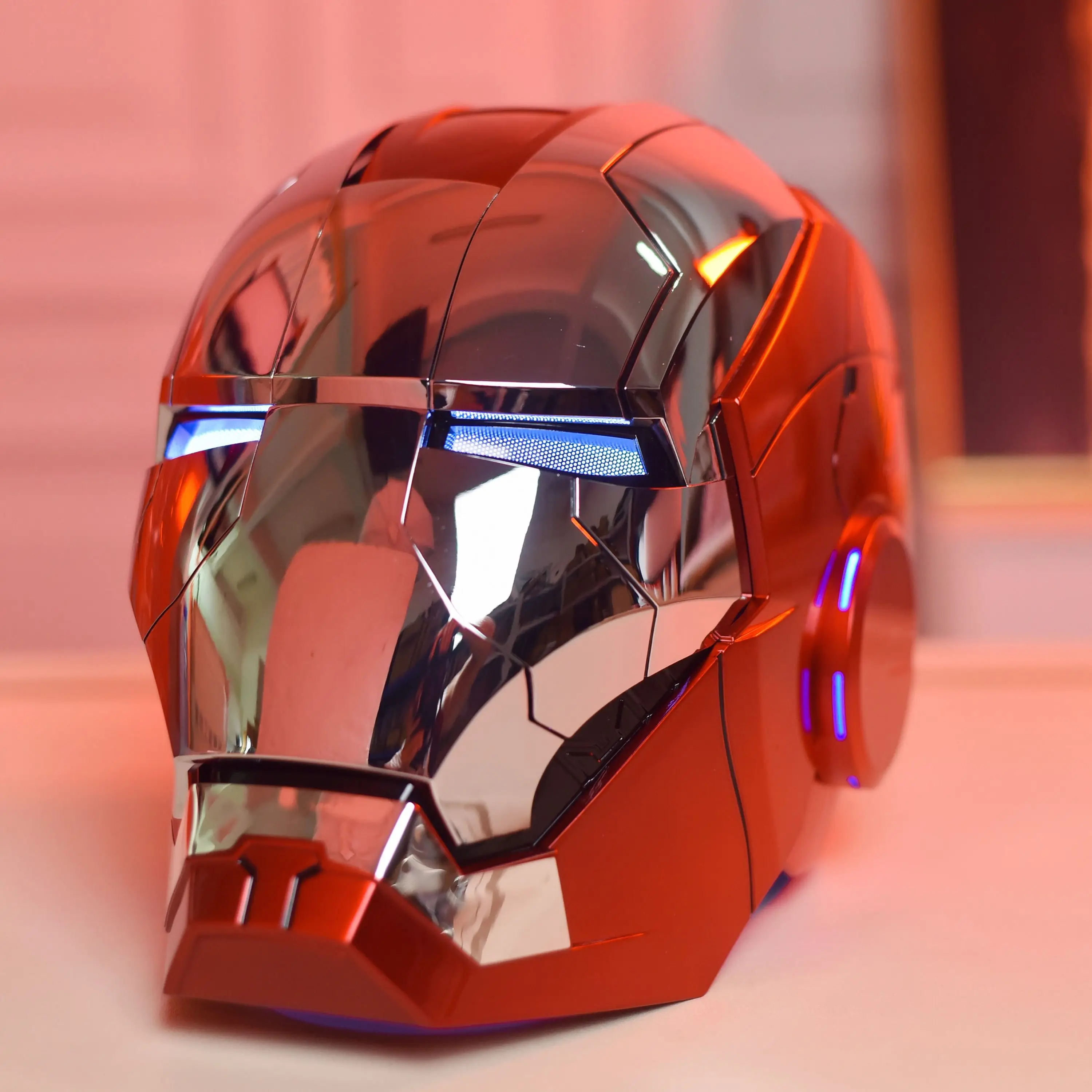
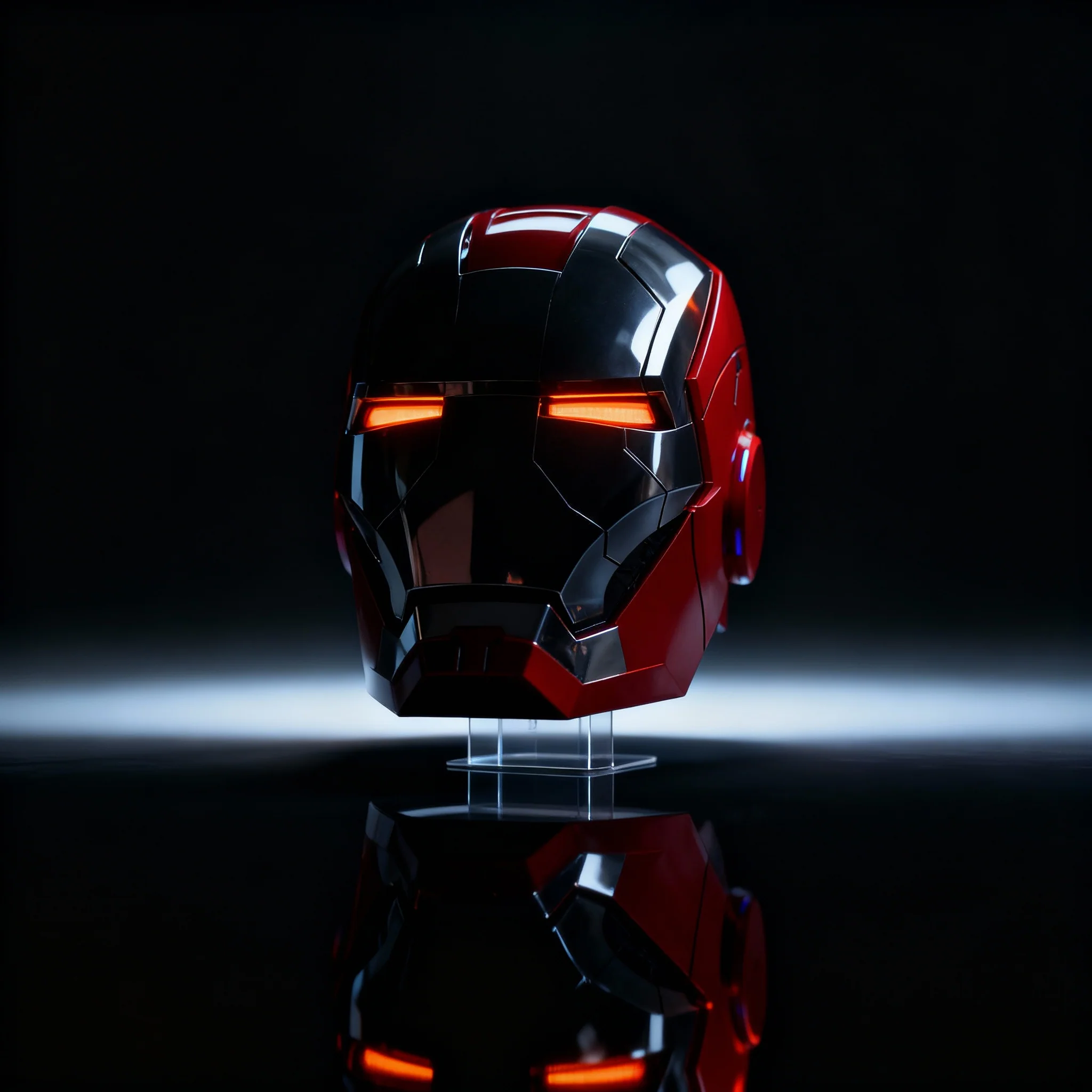
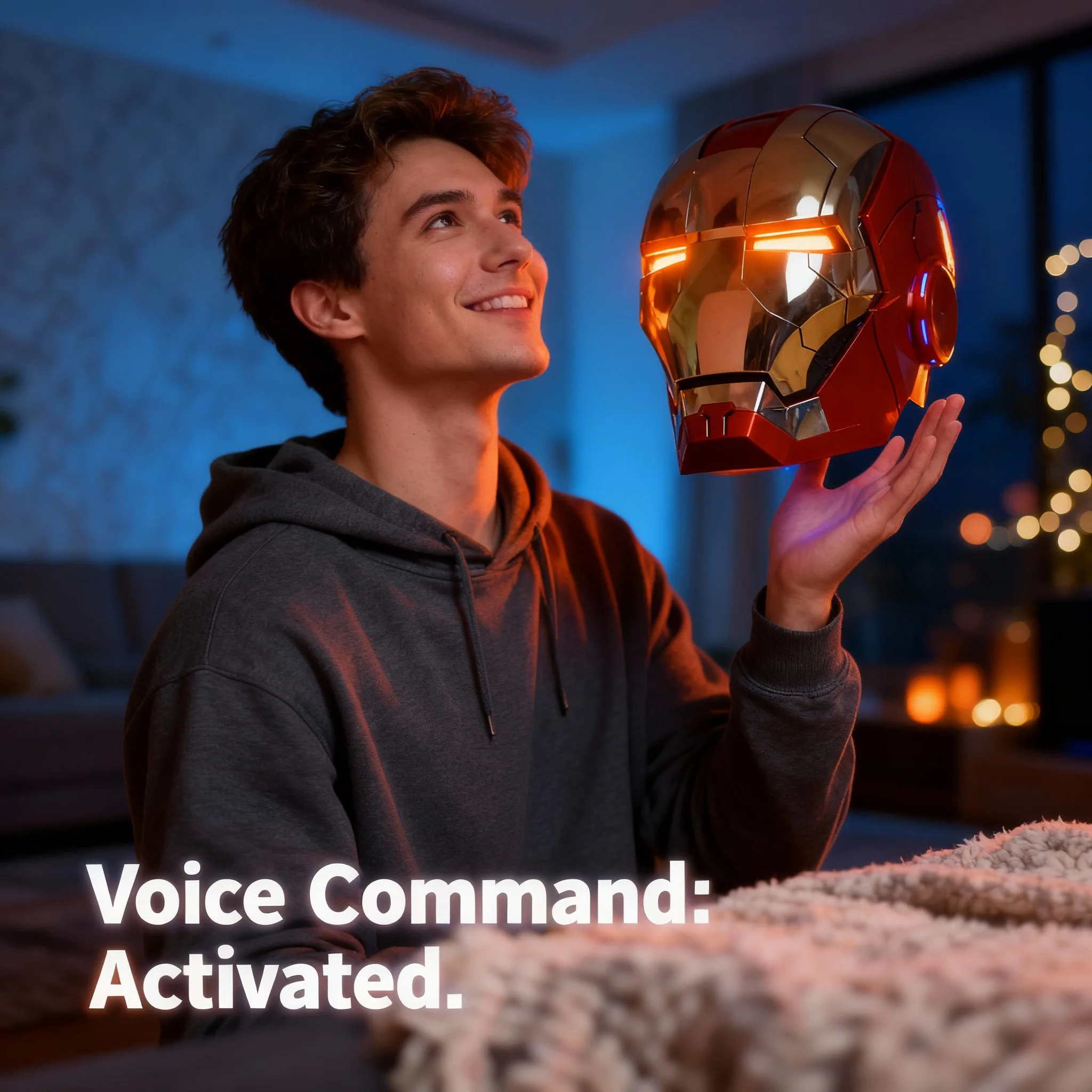
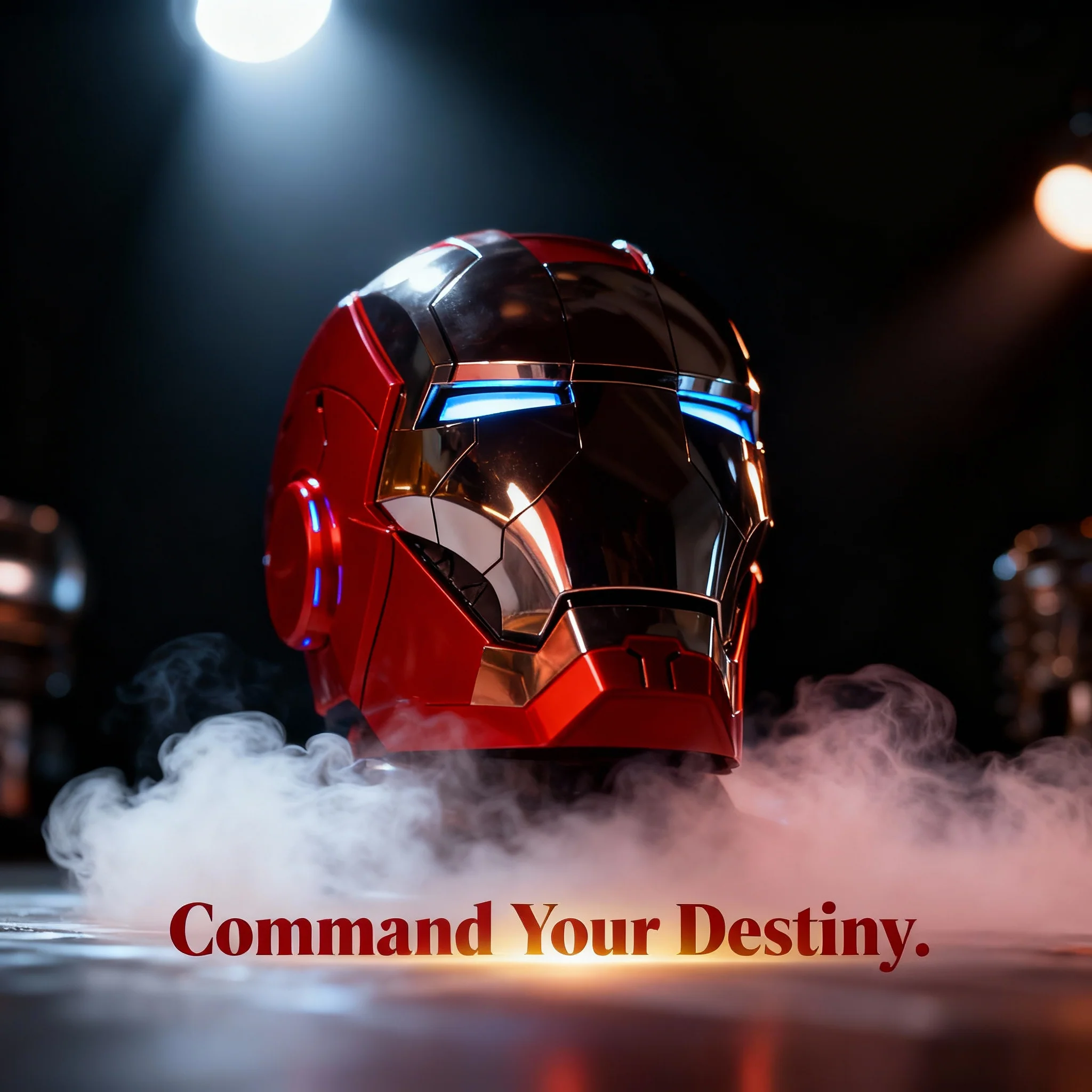
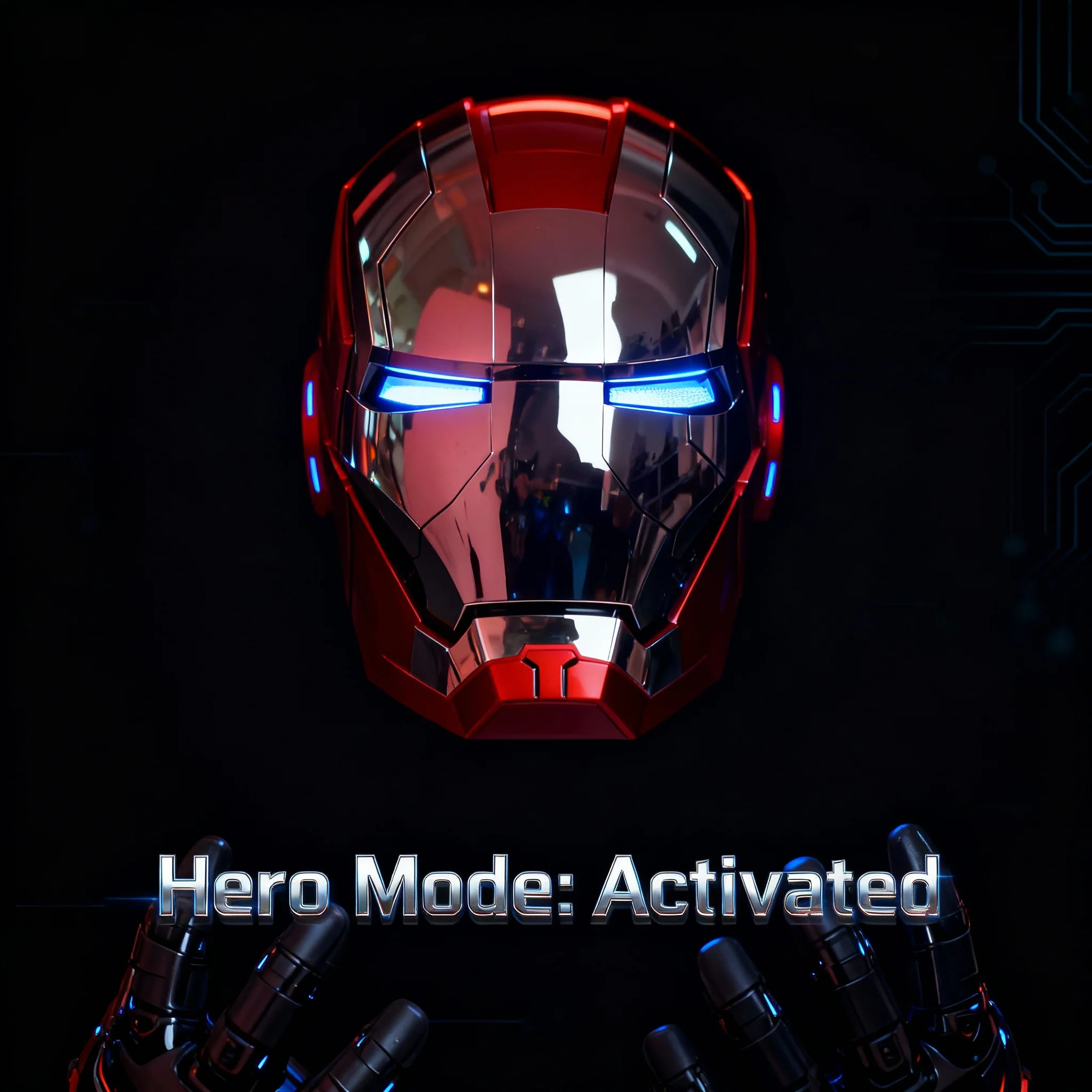
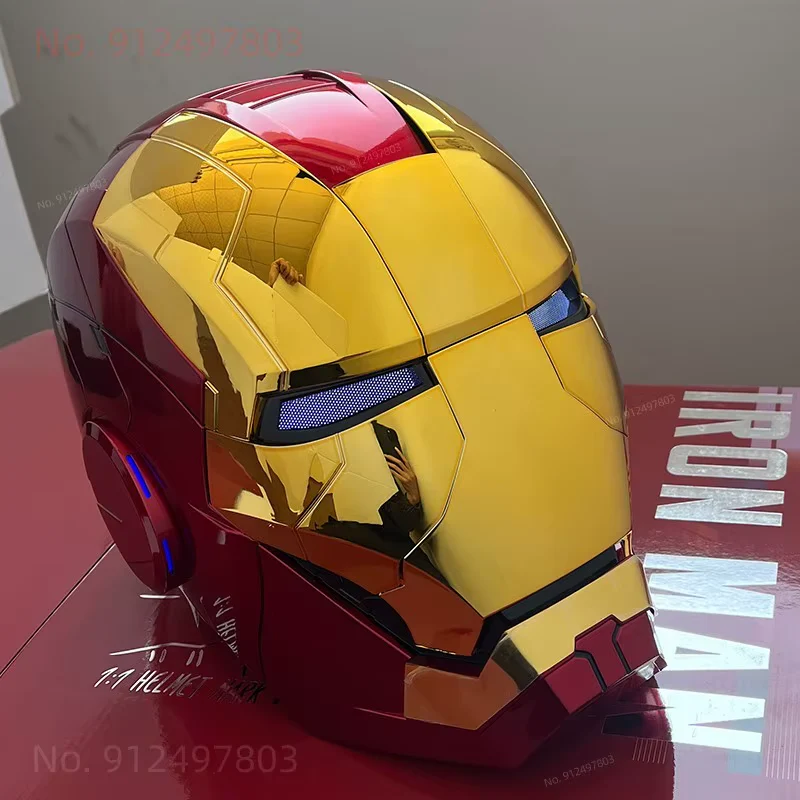
Iron Man Helmet Cosplay Voice Control Eyes with LED Light Model Perfect Christmas Gift
Iron Man Helmet Cosplay Voice Control Eyes with LED Light Model Perfect Christmas Gift
Iron Man MK5 Helmet Manual (English)
Model: 1:1 Wearable MK5 Helmet
Material: ABS Plastic
Head Size: 60 cm
Power:
-
Helmet: 4 × AA (No. 5) batteries
-
Remote: 2 × AAA (No. 7) batteries
(Batteries not included)
Battery & Wearing Instructions
-
Battery box is hidden under the black pad at the back.
-
Remove back cover to insert batteries and wear the helmet.
-
After wearing, reattach the cover securely.
Power & Controls
Power Switch: On the back of the helmet.
Right Ear Touch: Open/close mask.
Left Ear Touch: Open/close full helmet.
Voice Receiver: Front mic area.
Voice Commands (English)
Wake-up: “Hello JARVIS”
Then say one of the following within 5 seconds:
-
“Open the mask”
-
“Close the mask”
-
“Start combat mode” (eyes turn red)
-
“Close combat mode” (eyes turn white)
-
“Shutdown system”
(Helmet must be powered on and mask fully closed before activation.)
Remote Control Functions
-
A: Open/close full helmet
-
B: Open/close mask
-
C: Change eye light colour
-
D: Eye light on/off
-
E: Sound on/off
Troubleshooting
-
Slow movement / dim lights / unclear sound: Replace batteries.
-
No response: Restart system or re-pair remote.
-
Helmet jammed: Power off and gently close manually before restarting.
-
Do not force mask open/close manually — may cause damage.
Safety Notes
-
Keep away from water and heat.
-
Only use correct battery types.
-
Do not disassemble unless by a professional.
-
Remove batteries if unused for a long time.
Original: $154.27
-70%$154.27
$46.28Product Information
Product Information
Shipping & Returns
Shipping & Returns
Description
Iron Man MK5 Helmet Manual (English)
Model: 1:1 Wearable MK5 Helmet
Material: ABS Plastic
Head Size: 60 cm
Power:
-
Helmet: 4 × AA (No. 5) batteries
-
Remote: 2 × AAA (No. 7) batteries
(Batteries not included)
Battery & Wearing Instructions
-
Battery box is hidden under the black pad at the back.
-
Remove back cover to insert batteries and wear the helmet.
-
After wearing, reattach the cover securely.
Power & Controls
Power Switch: On the back of the helmet.
Right Ear Touch: Open/close mask.
Left Ear Touch: Open/close full helmet.
Voice Receiver: Front mic area.
Voice Commands (English)
Wake-up: “Hello JARVIS”
Then say one of the following within 5 seconds:
-
“Open the mask”
-
“Close the mask”
-
“Start combat mode” (eyes turn red)
-
“Close combat mode” (eyes turn white)
-
“Shutdown system”
(Helmet must be powered on and mask fully closed before activation.)
Remote Control Functions
-
A: Open/close full helmet
-
B: Open/close mask
-
C: Change eye light colour
-
D: Eye light on/off
-
E: Sound on/off
Troubleshooting
-
Slow movement / dim lights / unclear sound: Replace batteries.
-
No response: Restart system or re-pair remote.
-
Helmet jammed: Power off and gently close manually before restarting.
-
Do not force mask open/close manually — may cause damage.
Safety Notes
-
Keep away from water and heat.
-
Only use correct battery types.
-
Do not disassemble unless by a professional.
-
Remove batteries if unused for a long time.